Swipe right if you love it. Left if it’s not your thing. A fun and easy way to discover new recipes, find inspiration and build your own collection of favorites from real Allorecipes recipes.
Find recipes you will love in three simple steps.
Tell us what you are in the mood for: meal type, time, diet or difficulty. It is optional.
Swipe right to save a recipe, left to skip it, or tap the star for a super like.
Find your matches in one place and pick tonight's dinner with Cook Tonight.
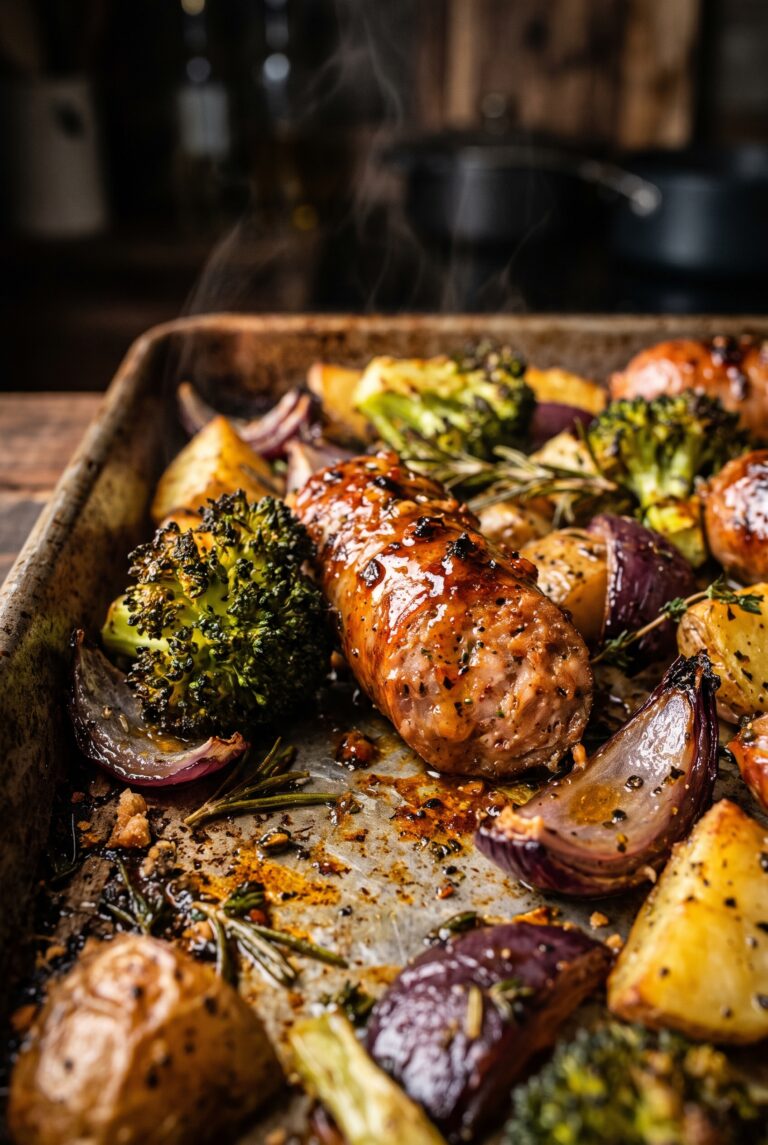
Dinner55 minMedium
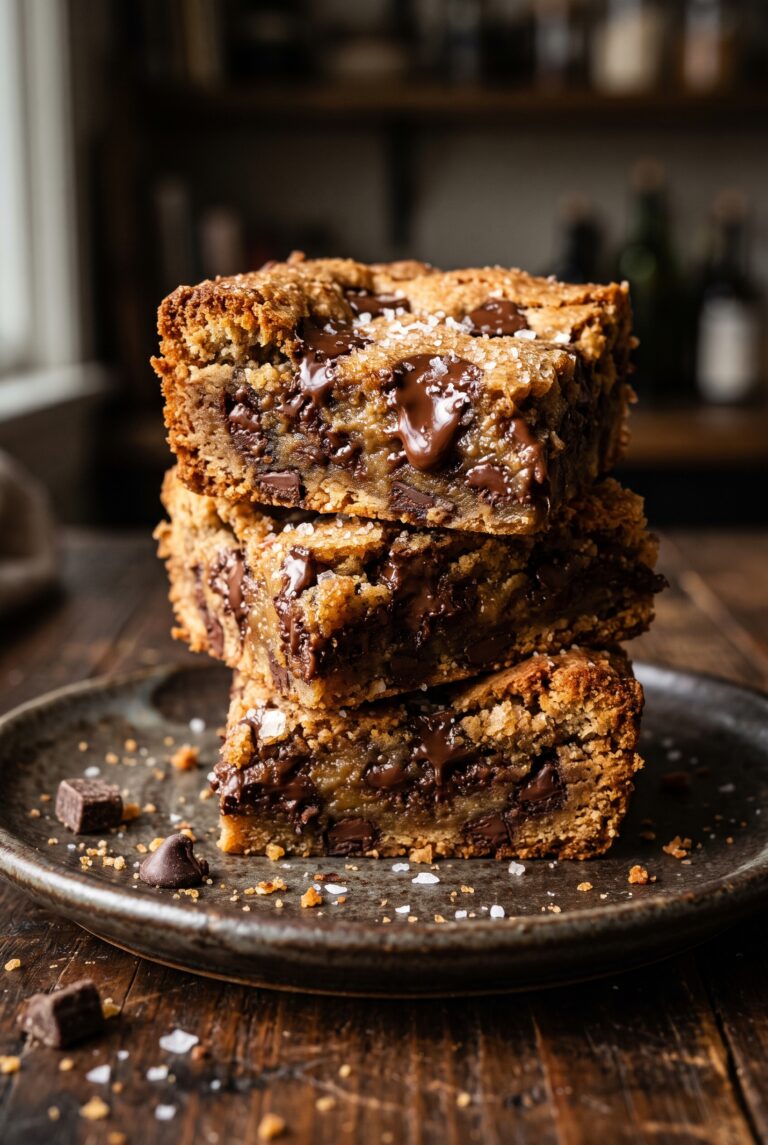
Dessert40 minMedium

Healthy32 minEasy

Breakfast & Drinks45 minMedium
Recipe Match is a free recipe discovery tool. Instead of scrolling through long lists, you see one real recipe at a time and decide in a second: swipe right to save it, left to skip it. Every like and skip teaches it a little more about your taste, so the next cards lean toward the meals, ingredients and cooking times you actually choose.
Use it when you are wondering what to cook today and want recipe recommendations based on your preferences. Set a meal type, the time you have, a difficulty level, dietary preferences or ingredients to avoid, and only matching recipes appear. Your saved recipes, your super likes and your swipe history stay in your browser. No account is needed.
Want something faster? Let Recipe Roulette pick one recipe for you, or find recipes by ingredient with What’s in My Fridge?. You can also browse our 30-minute dinners, dinner recipes, desserts and all recipes.
No. Recipe Match works without an account. Your likes, super likes, preferences and swipe history are saved in your browser on this device.
Yes. Every recipe you swipe right or super like is saved to My Matches, together with the recipes you saved with the heart button anywhere on Allorecipes.
Recipe Match only shows recipes published on Allorecipes that fit your preferences. The order adapts to your likes and skips, so recipes similar to the ones you like come up sooner. You never see the same recipe twice in a session unless you start over.
Yes. Edit them at any time from the swipe page or the preferences page. Your saved recipes and progress are kept.
You will see how many recipes you discovered and saved, and you can adjust your preferences, start over, or try Recipe Roulette and What’s in My Fridge?.
Diet labels are based on each recipe’s ingredient list. Always check product labels if you have an allergy.
Start swiping and build your collection in a few minutes.

Easy, tasty recipes for every day: quick dinners, cozy desserts, healthy bowls and holiday favorites.
© 2026 Allorecipes. All rights reserved.