Healthy
Search by recipe name, ingredient or cuisine, then filter by time, difficulty and the way you eat. Every result is a real Allorecipes recipe.






Showing 6 of 6
Our editorial guides group recipes around one need, with tips to help you choose.

Weeknight dinners that are on the table in half an hour.
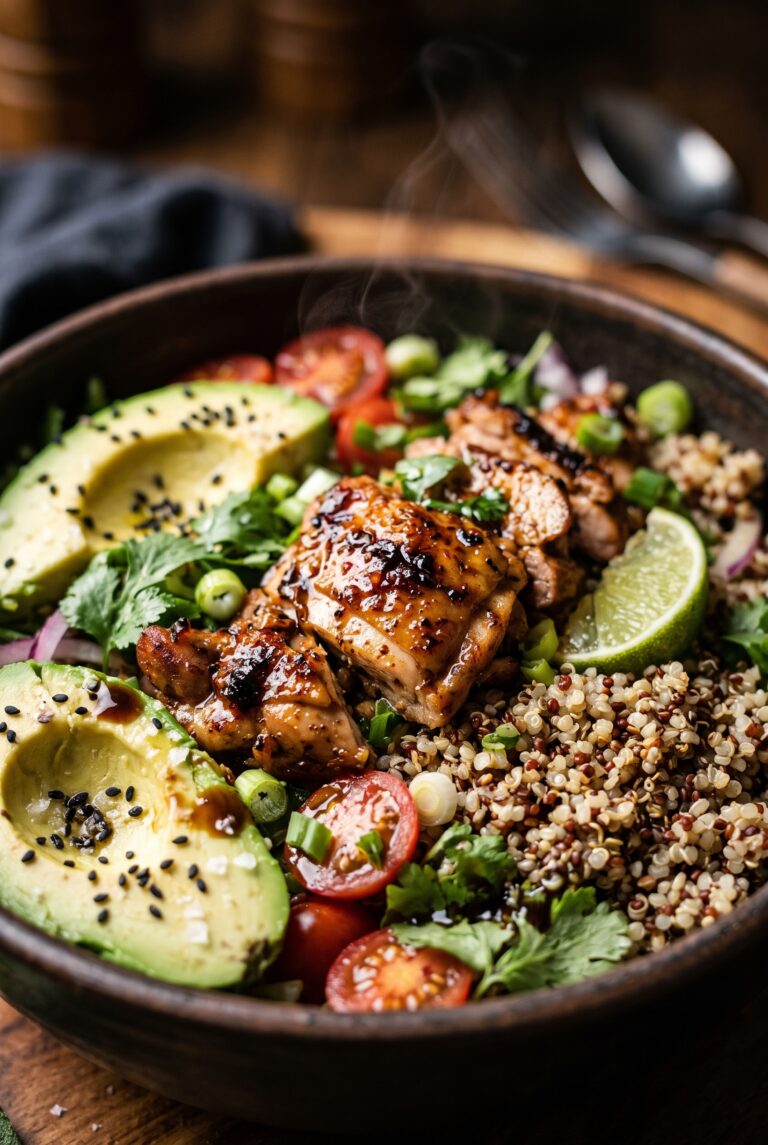
Lighter bowls, salads and soups for every day.

Simple sweets with short ingredient lists.

Holiday cookies to bake, share and gift.
Cook with the ingredients you already have.
Spin the wheel and let it pick for you.
Swipe through recipes and keep your matches.
Answer 5 questions, get recipes made for you.
The Allorecipes Recipe Finder searches every recipe on our site at once. Type a dish, an ingredient or a craving, then narrow the list with the filters that matter tonight: meal type, total time, difficulty, diet, main ingredient, equipment, servings, cuisine and nutrition. The recipe count updates as you go, so you always know how many recipes match.
Search for an ingredient like chicken, spinach or chickpeas, or pick one under Main ingredient. Need to avoid something? Add it to Ingredients to avoid and every recipe that needs it leaves the list. If you already listed your ingredients in What’s in My Fridge?, turn on Fridge mode to see recipes that use them.
Total time covers prep and cooking together, as written on each recipe card. Choose 15, 30, 45 or 60 minutes, or sort by Quickest to see the fastest recipes first. For busy weeknights, our 30-minute dinners guide is a good place to start.
Filter by vegetarian, vegan, dairy-free or no gluten ingredients. These labels come from each recipe’s ingredient list, so always check product labels if you have an allergy or celiac disease. When you clear your filters, your dietary choices stay on until you remove them yourself.
Leave the search empty and browse by category, or let another tool decide: spin Recipe Roulette, answer five questions in the Recipe Quiz, or swipe through ideas in Recipe Match. Every tool uses the same recipes and the same saved favorites. Planning a full meal? Build your menu.
Tap the heart to save a recipe, or save a whole search with its filters. Both stay in your browser, with no account needed, and you will find them on your saved recipes page. Prefer to browse? See all recipes, dinner, desserts or healthy recipes.
It searches the title, ingredients, categories, cuisine and keywords of every published Allorecipes recipe, then applies the filters you choose. New recipes appear automatically as soon as we publish them.
Yes. Search for an ingredient or choose one under Main ingredient. You can also pick everything you have in What’s in My Fridge? and turn on Fridge mode in the finder.
The finder recognizes common spelling mistakes and ingredient synonyms, for example “chiken” or “prawns”, and tells you which word it searched for instead.
Diet labels are based on each recipe’s ingredient list. They are a helpful guide, not a guarantee, so always check product labels and ask a professional if you have a serious allergy.
Some filters do not fit together. The finder shows which filter is limiting the results and how many recipes you get without it. It never removes your dietary choices or excluded ingredients for you.
No. Saved recipes, saved searches, recent searches and recently viewed recipes stay in your browser on this device.
Tick Compare on two or three recipes, then open the comparison to see time, difficulty, servings, ingredients and, when the recipe card has it, nutrition side by side.

Easy, tasty recipes for every day: quick dinners, cozy desserts, healthy bowls and holiday favorites.
© 2026 Allorecipes. All rights reserved.